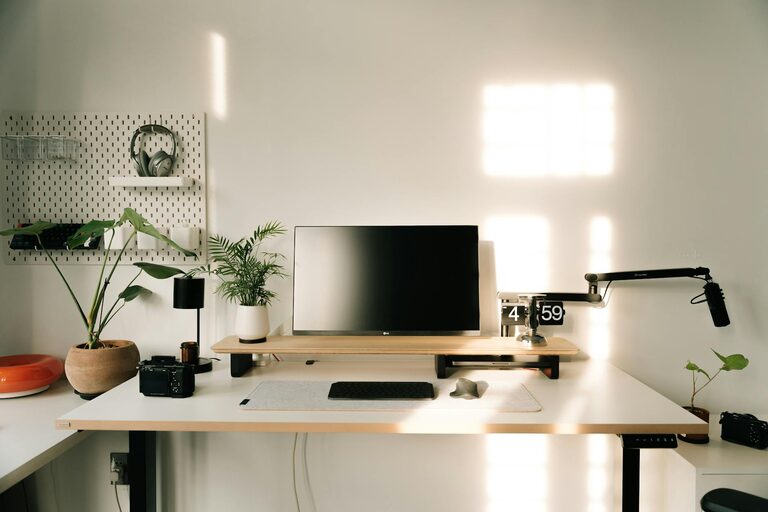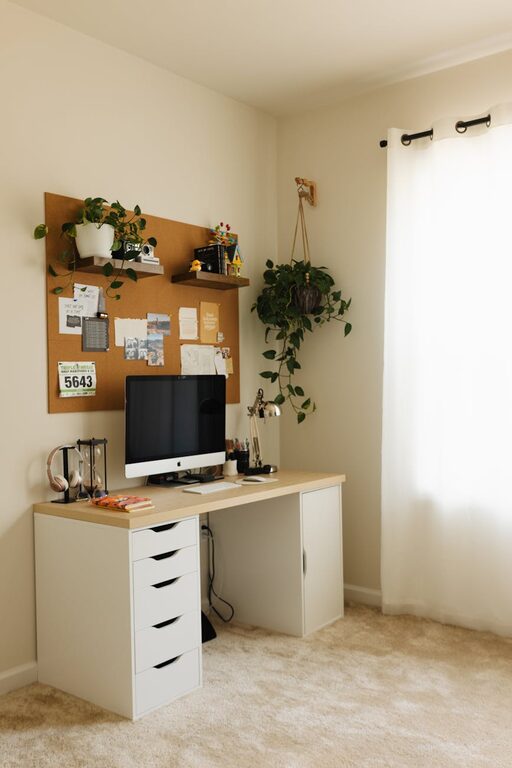
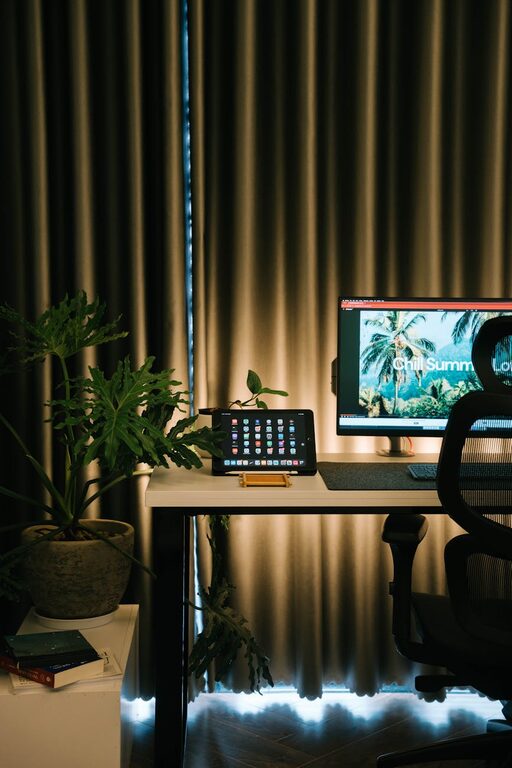
Creating a cozy and inviting home workspace is essential for anyone who spends significant time working from home. A well-designed workspace not only fosters productivity but also makes your workday more enjoyable and less stressful. Whether you have a dedicated room or just a corner in your living space, these tips will help you create a comfortable and inspiring environment.
Why a Cozy Workspace Matters
When your workspace is inviting and comfortable, it encourages focus and creativity. An unorganized or bland environment can drain your energy and reduce efficiency. By personalizing and optimizing your area, you set the tone for a productive day and a positive mindset.
Choosing the Right Location
Find Your Quiet Zone
The first step is selecting the ideal spot in your home. Look for a quiet area where distractions are minimal. If privacy is limited, consider using room dividers or noise-cancelling headphones.
Consider Natural Light
Natural light boosts mood and reduces eye strain. Place your desk near a window if possible. If natural light is scarce, invest in a good quality desk lamp that mimics daylight.
Ergonomics and Comfort
Invest in a Comfortable Chair
Your chair is one of the most important elements. Choose one with proper lumbar support to maintain good posture during long hours.
Desk Height and Setup
Ensure your desk is at the right height so your arms are at a 90-degree angle when typing. Keep your monitor at eye level to prevent neck strain.
Add Soft Textures
Incorporate cushions, a cozy rug, or a throw blanket to soften the space. These elements add warmth and comfort to your work environment.
Personalizing Your Space
Use Colors That Inspire
Colors influence mood and productivity. Soft blues and greens promote calmness, while yellows can stimulate creativity.
Incorporate Plants
Adding a few indoor plants improves air quality and brings a touch of nature indoors. Plants like succulents and spider plants are low maintenance.
Decorate Thoughtfully
Display photos, artwork, or inspirational quotes that motivate you but avoid cluttering your space.
Organization and Decluttering
Utilize Storage Solutions
Keep your desk tidy with organizers, shelves, or drawers. Efficient storage helps keep essential items within reach and reduces distractions.
Regularly Declutter
Set aside time each week to tidy your workspace. A clean environment supports clear thinking and focus.
Lighting and Ambience
Layer Your Lighting
Combine overhead lights with desk lamps and ambient lighting for a balanced atmosphere.
Control Glare
Use blinds or curtains to reduce glare on screens, and position your monitor to avoid reflections.
Incorporate Technology Wisely
Keep Cables Managed
Use cable organizers to keep wires neat and prevent tangling.
Select Functional Tools
Choose tech that suits your work style, whether it’s a wireless mouse, noise-cancelling headphones, or a second monitor.
Create Boundaries for Work-Life Balance
Define Your Workspace Physically or Visually
Having a clear boundary helps your brain associate the space with work, making it easier to switch off at the end of the day.
Establish Routine and Rituals
Start your workday with a small routine, like making coffee or planning your tasks, to transition smoothly into work mode.
Adding Comfort Extras
Small touches can make a big difference:
– A water bottle or mug within reach
– Scented candles or essential oil diffusers for subtle aromas
– A small speaker or headphones for background music or white noise
—
Creating a cozy and inviting home workspace doesn’t have to be complicated or expensive. By focusing on comfort, personalization, and organization, you can build a space that supports your productivity and well-being every day. Start with small changes and adjust as you find what works best for you. Happy working!